Introduction
Android phones can quickly run out of storage space. Photos, videos, apps and cached files accumulate over time and slow down your device.
In this guide, you will learn how to clean Android storage safely and free up space without deleting important data.
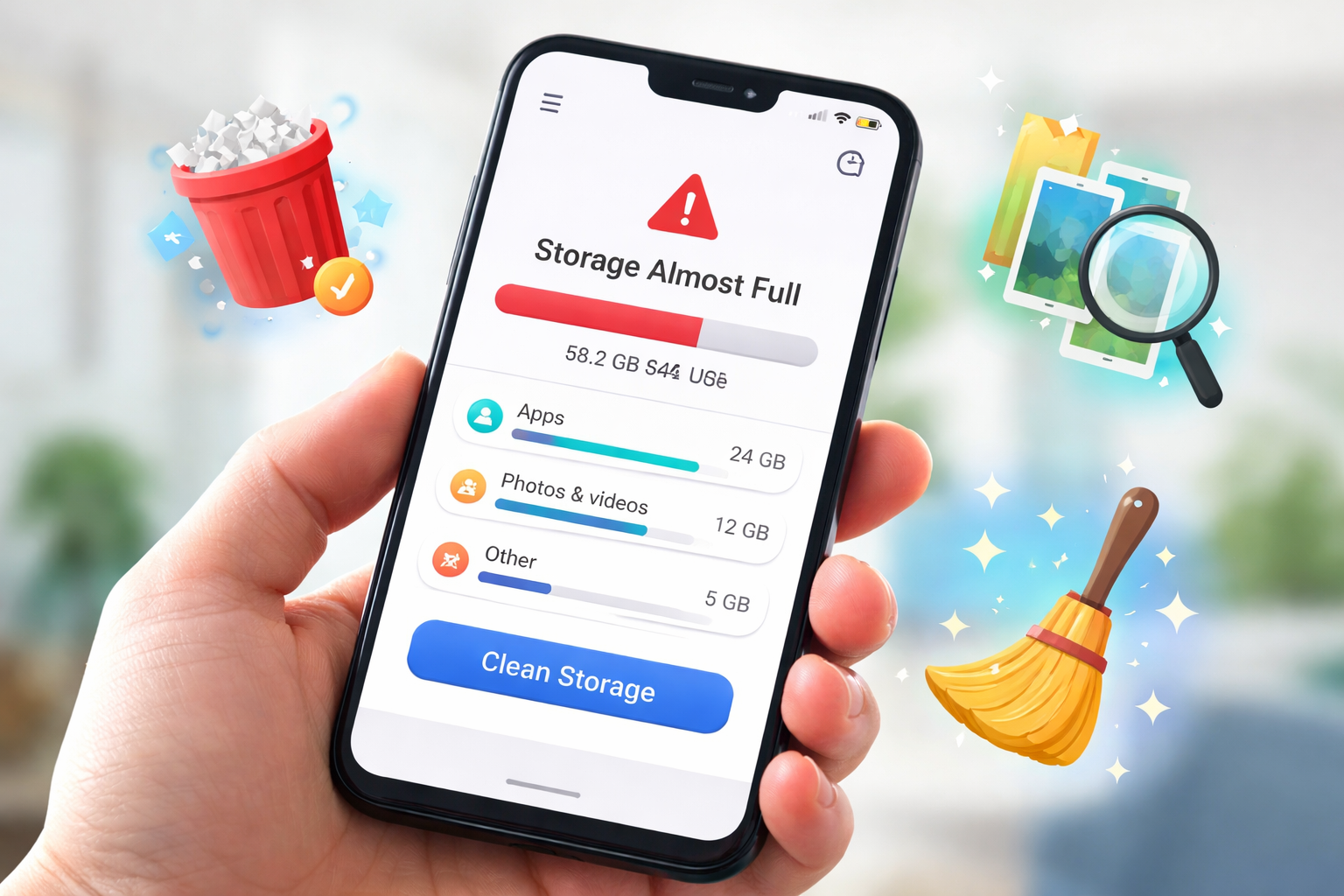
Check what is using your storage
The first step is to see which files occupy the most space.
Go to:
Settings → Storage
You will usually see categories like:
- Apps
- Photos & videos
- Audio
- Documents
- System files
Focus first on photos, videos and large files.
Remove duplicate photos
Duplicate photos are one of the biggest reasons storage fills up.
Duplicates can appear when:
- transferring files
- downloading the same image multiple times
- messaging apps saving media
Using a duplicate finder helps identify repeated images quickly.
Tools like CleanDroid Tool can analyze uploaded files and detect duplicates automatically.
Delete large files
Large videos often consume several gigabytes.
You can find them in:
Downloads
Camera
Screen recordings
Sorting files by size helps identify what to delete.
Clear app cache
Some apps store temporary data.
Examples:
- TikTok
- Chrome
To clear cache:
Settings → Apps → Storage → Clear Cache
Do not clear app data unless necessary.
Clean messaging apps
Messaging apps save a lot of media.
Check:
- WhatsApp media folders
- Telegram downloads
- Messenger images
Deleting old videos can free several gigabytes.
Conclusion
Cleaning Android storage regularly keeps your device fast and responsive.
By removing duplicates, deleting large files and clearing cache, you can recover a significant amount of space.
Hi, this is a comment.
To get started with moderating, editing, and deleting comments, please visit the Comments screen in the dashboard.
Commenter avatars come from Gravatar.